

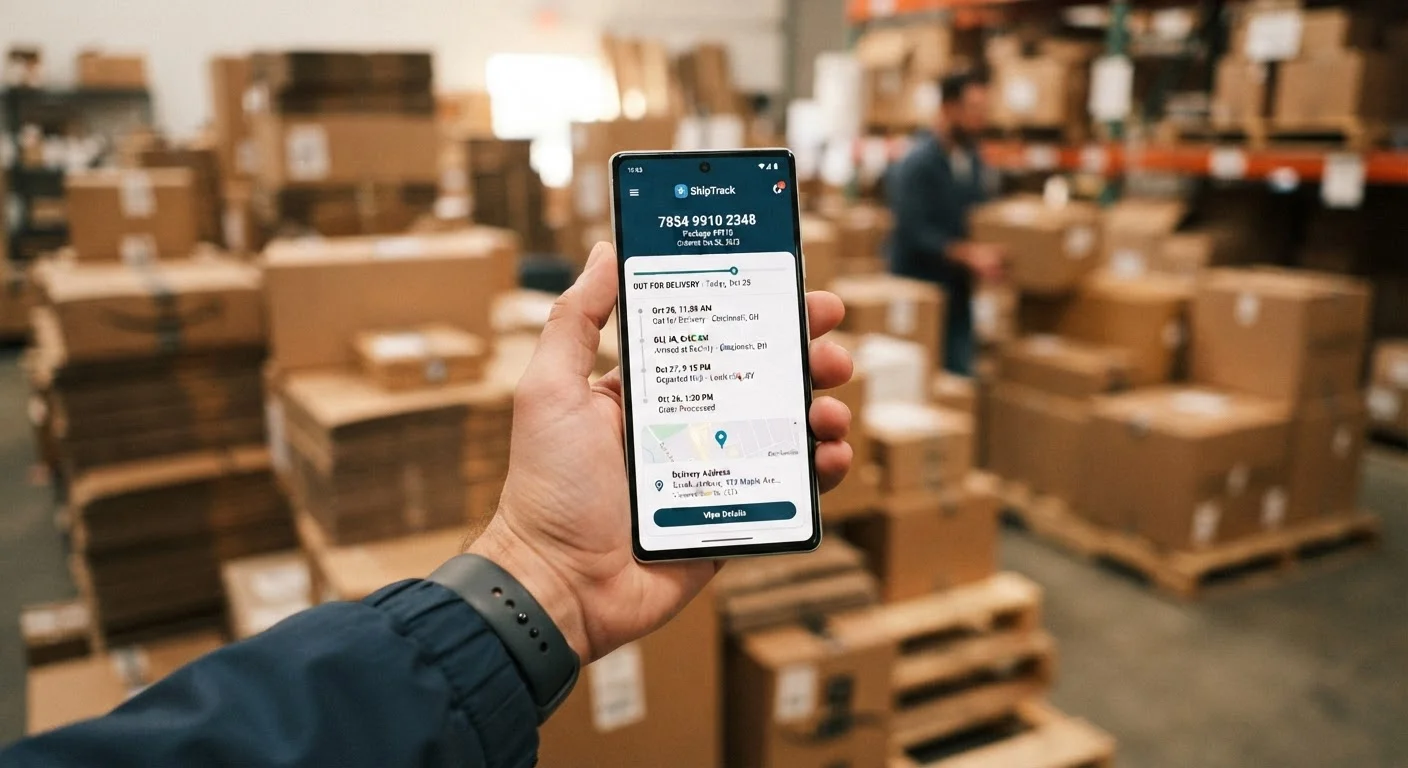
What Each Tracking Status Actually Means
Package tracking can feel like reading a foreign language - vague phrases that don't tell you much. Here's a plain breakdown of the statuses you'll most commonly see, in roughly the order they appear.
Understanding how these stages connect helps you set realistic expectations. For a fuller picture of what happens between the moment you place an order and when a driver rings your doorbell, see how online shopping works behind the scenes.
What to Do When a Package Stalls
A stalled tracking status is frustrating, but most delays resolve on their own within one to two business days. Here's how to respond based on what you're seeing:
- No movement after label creation: Wait two full business days, then contact the seller. The item may not have been dropped off yet.
- "In Transit" with no updates for 5+ business days: File an inquiry directly with the carrier using your tracking number. Carriers have internal tools that can locate packages not registering public scans.
- "Exception" status: Read the detail note carefully. Common causes include an undeliverable address, a missed delivery attempt, or weather. You may need to update your address or schedule a redelivery online.
- "Delivered" but package not found: Check with neighbors, your building office, or any secondary entrance. Wait 24 hours - early scan errors do occur. If still missing, contact the carrier to file a trace and notify the seller to initiate a claim.
For time-sensitive shipments, consider signing up for carrier notification services. All major carriers offer free email or SMS alerts that update you at each scan point, reducing the need to manually check status pages.