

Key Takeaways
- A strong lock screen is your first and most important line of defense against unauthorized access.
- App permissions should be reviewed regularly - many apps request far more access than they need.
- Software updates patch known security vulnerabilities; delaying them leaves your device exposed.
- Two-factor authentication dramatically reduces the risk of account takeover even if a password is compromised.
- Backing up your phone protects your data whether you lose the device or it's stolen.
Why Smartphone Security Deserves Attention From Day One
Your smartphone holds more personal information than almost any other object you own - banking apps, email, health data, photos, passwords, and payment methods all live in one pocket-sized device. Yet many people set up a new phone without giving security a second thought.
The habits you build (or skip) on day one tend to stick. Establishing solid security practices early is far easier than retrofitting them after a problem occurs. And unlike some tech topics, phone security doesn't require deep technical knowledge - it requires consistent, straightforward habits. This guide covers the most important ones.
For readers switching devices, our guide to transferring data to a new phone also covers how to move your information safely without creating new vulnerabilities in the process.
Core Security Practices Every Smartphone Owner Should Follow
The following practices form the foundation of reliable smartphone security. None require specialist knowledge - just consistent application.
Use a strong lock screen method - preferably a PIN of six or more digits or a strong alphanumeric passcode.
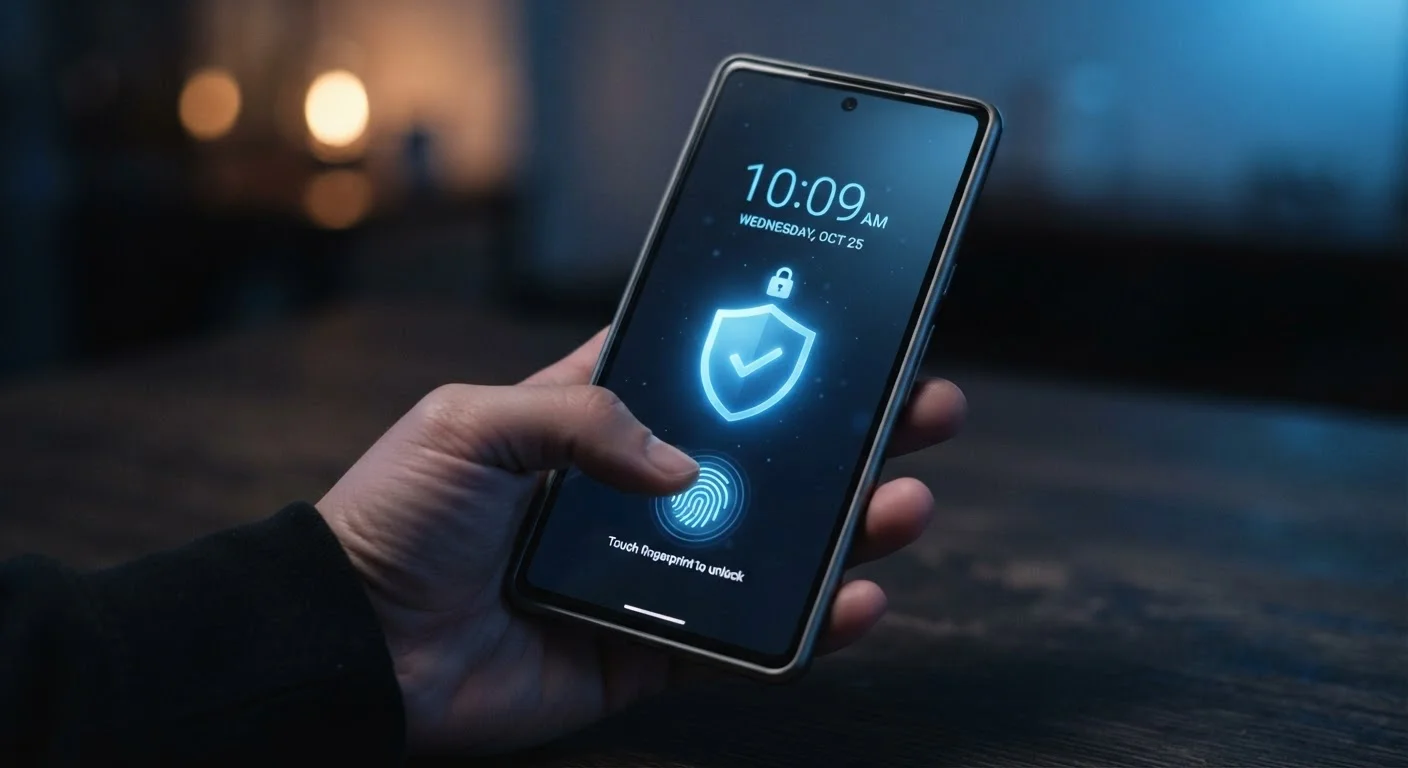
Biometrics like fingerprint or face recognition are convenient, but a secure passcode is the fallback for every authentication method on your phone. A short or obvious PIN (like 1234) offers minimal real protection if a device is lost or stolen.
Enable two-factor authentication (2FA) on every account that supports it.
Two-factor authentication requires a second form of verification - typically a code sent to your phone or generated by an authenticator app - in addition to your password. Even if a password is exposed in a data breach, 2FA blocks access without that second factor.
Audit app permissions quarterly and revoke access that isn't necessary for the app's function.
Apps accumulate permissions over time, and an app you downloaded for one purpose may have broader access to your data than you realize. Limiting permissions reduces the potential damage if an app is compromised or behaves unexpectedly.
Keep your operating system and apps updated, and enable automatic updates where possible.
Security patches are released regularly to address newly discovered vulnerabilities. Delaying updates leaves known weaknesses unaddressed and gives attackers a window to exploit them on unpatched devices.
Back up your phone regularly - to cloud storage, a computer, or both.
A stolen or lost phone is not just a hardware loss - without a backup, it's also the loss of everything stored on it. Regular backups ensure you can restore your data to a replacement device quickly.
Be cautious on public Wi-Fi and avoid accessing sensitive accounts on unsecured networks.
Public Wi-Fi networks - in cafes, airports, and hotels - are not encrypted by default, which means data sent over them can potentially be intercepted. Sensitive actions like banking or logging into email are better performed on a cellular connection or a trusted private network.
Quick Actions You Can Take Right Now
If you want to strengthen your phone's security today without working through a long checklist, start with these high-impact actions. Each takes just a few minutes but meaningfully reduces your exposure.
For a broader look at protecting your digital life beyond your phone, see our home computer security checklist, which covers passwords, backups, and browser settings for your desktop or laptop as well.
Permissions, Updates, and the Habits That Compound Over Time
Security isn't a one-time setup - it's an ongoing practice. Two areas that deserve recurring attention are app permissions and software updates.
App permissions control what parts of your phone an app can access: your camera, microphone, contacts, location, and more. Many apps request permissions they don't functionally need. Both Android and iOS allow you to review and revoke permissions at any time in your device settings. A good habit: after installing any new app, visit its permission settings and remove anything that doesn't match the app's core purpose.
Software updates are among the most underrated security tools available. Operating system updates frequently include patches for known vulnerabilities - flaws that bad actors actively exploit on unpatched devices. Enabling automatic updates ensures you receive these fixes promptly without having to remember to check manually.
A Note on Biometric Authentication
Face ID, fingerprint sensors, and similar biometric methods are convenient and generally reliable for everyday use. However, your passcode remains the root credential - it's what unlocks your phone if biometrics fail, and it's required after a restart. Make sure your passcode is strong independently of whichever biometric method you use. Some jurisdictions also have different legal standards around compelling someone to provide a fingerprint versus a passcode, which is worth knowing.
If you're also curious about how Android and iOS handle security and privacy differently at the platform level, our Android vs. iOS comparison explains the underlying philosophies each system takes.
And if you're passing on an old device, don't skip the security steps that protect both you and the next owner - our checklist for handing down your old phone walks through every step.