

Key Takeaways
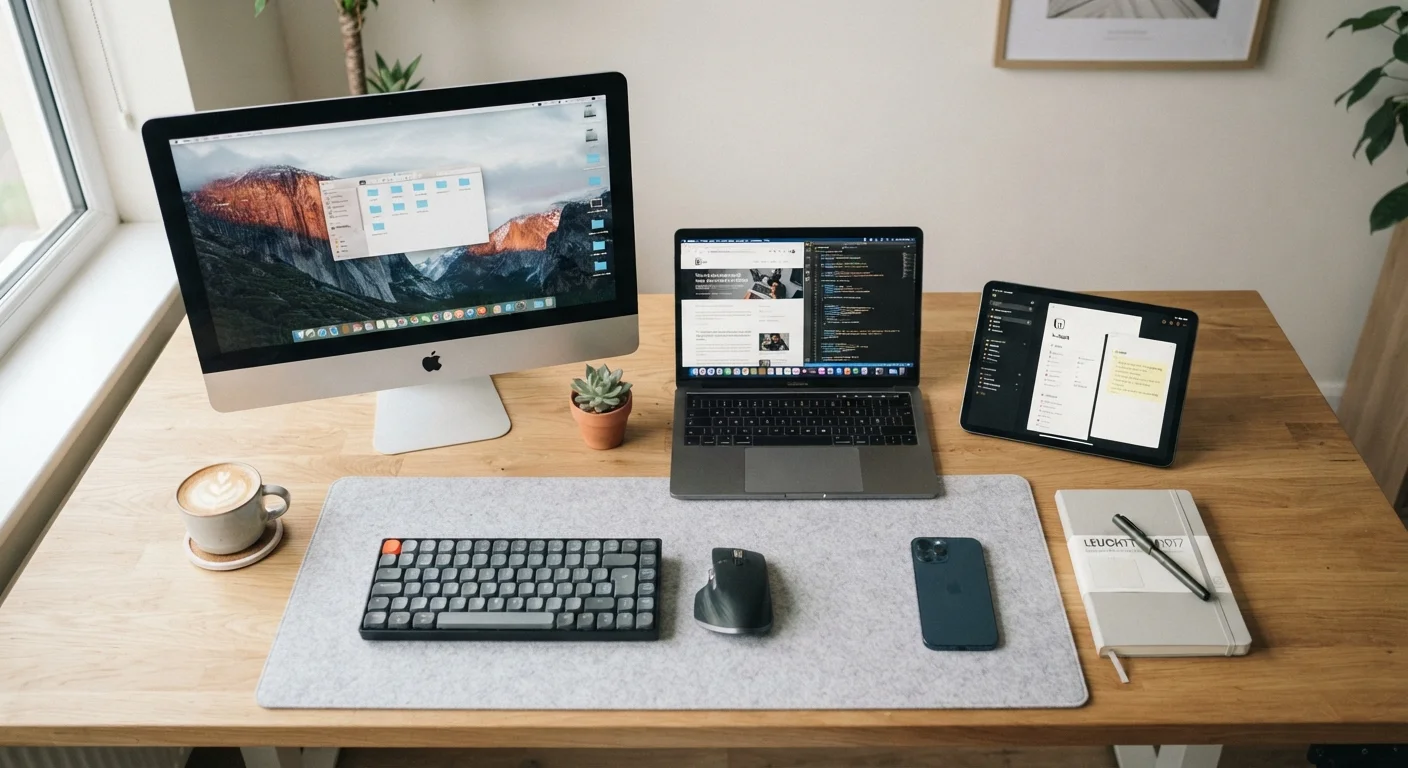
- Desktops offer the most power and upgradability but are fixed to one location.
- Laptops balance portability and capability, making them the most versatile choice for most households.
- Tablets excel at media consumption and light tasks but struggle to replace a full computer for most people.
- Your primary use case - not hardware specs - should drive the decision.
- Many households benefit from a combination of form factors rather than one device doing everything.
Our Verdict
For most US households, a laptop covers the widest range of everyday needs without significant trade-offs. Desktops make sense when raw performance or a permanent workstation matters most, while tablets work well as secondary devices or for users whose needs are genuinely light. No single form factor is universally best - the right fit depends on where, how, and how intensively you plan to use it.
| Best for | Recommended |
|---|---|
| Users who need maximum performance or a permanent home workstation | Desktop |
| Those who need flexibility to work, study, or create from multiple locations | Laptop |
| Light users focused on browsing, streaming, and reading | Tablet |
| Households wanting portability plus occasional power tasks | Laptop + Tablet combination |
Why Form Factor Matters More Than Specs
When people start shopping for a home computer, they often fixate on processor speed or storage size. But the single most consequential decision comes before any spec comparison: choosing the right form factor. A device that doesn't fit your physical context or daily habits will frustrate you no matter how powerful it is.
Form factor determines where you can use a device, how long a session feels comfortable, what software you can run, and whether the machine can grow with you over time. Understanding these structural differences first makes every downstream decision - operating system, specs, budget - much clearer. For a plain-language breakdown of the spec terms you'll encounter, see our Computer Specs Glossary.
Desktops: Raw Power, Fixed Location
A desktop is a stationary system - a separate tower or all-in-one unit paired with a monitor, keyboard, and mouse. That fixed nature is both its greatest strength and its chief limitation.
Where desktops excel: They consistently deliver more processing power and graphics capability per dollar than laptops or tablets at the same price point. Cooling systems are larger, so components can sustain heavy workloads longer without thermal throttling (slowing down to manage heat). They're also the most upgradable option - adding RAM, swapping a storage drive, or installing a new graphics card is straightforward on most tower designs.
Where they fall short: You're tied to a desk. There's no battery, no built-in display, and moving the setup is genuinely inconvenient. For households with limited space or people who want to use their computer in different rooms - or while traveling - a desktop creates friction by design.
Upgradability Can Extend a Desktop's Lifespan
One underappreciated advantage of desktops is that you don't have to replace the whole machine when your needs grow. Adding more RAM or a faster storage drive can meaningfully extend usable life. Before purchasing, check whether the specific model you're considering uses standard, swappable components - not all do, especially compact all-in-one designs.
Best fit: Creative professionals doing video editing or 3D work at home, serious gamers, or anyone who needs a dedicated, high-performance workstation and won't need to move it.
Laptops: The Versatile Middle Ground
A laptop integrates screen, keyboard, trackpad, and battery into one portable package. For the majority of everyday users, this form factor requires the fewest compromises.
Where laptops excel: They go where you go - kitchen table, home office, coffee shop, or a different city entirely. Modern laptops cover a broad performance range, from lightweight models designed for web browsing and document work to powerful machines capable of video editing and demanding applications. Battery life has improved substantially in recent generations, with many models comfortably reaching eight or more hours of real-world use.
Where they fall short: Laptops cost more than a comparable desktop for the same performance level, because miniaturization adds engineering expense. Upgradeability is limited - RAM and storage are often soldered in place on thinner designs. And sustained heavy workloads can cause thermal throttling more readily than on a desktop with equivalent specs.
Once you've settled on a laptop, the next decision is the operating system. Our Windows vs. macOS comparison walks through the practical differences that affect everyday users.
| Desktop | Laptop | Tablet | |
|---|---|---|---|
| Portability | None - fixed location | High - battery-powered, travel-friendly | Highest - lightest, most compact |
| Performance ceiling | Highest for the price | Strong, but thermally limited | Limited to mobile-class hardware |
| Upgradability | Easiest - most components swappable | Limited, varies by model | None - sealed hardware |
| Software compatibility | Full desktop OS, broadest app support | Full desktop OS, broad app support | Mobile app ecosystem, fewer pro apps |
| Input experience | Full keyboard and mouse | Built-in keyboard and trackpad | Touch-first; keyboard add-on optional |
| Setup complexity | Moderate - multiple components | Low - ready out of the box | Lowest - instant on, minimal setup |
| Best primary use case | Power workstation at home | Everyday productivity, anywhere | Media, light tasks, secondary device |
Tablets: Convenient, but Know the Limits
Tablets are touch-first devices running mobile operating systems (iPadOS, Android) or, in some cases, a full desktop OS (Windows-based tablets). They're the most portable option and the simplest to pick up and use.
Where tablets excel: Browsing, streaming video, reading, video calls, and light note-taking are all genuinely comfortable on a tablet. They're lightweight, often have excellent battery life, and are easier for users who find traditional computers intimidating. For a deeper look at where tablets fit naturally into daily life, see Owning a Tablet: Where It Fits and Where It Doesn't.
Where they fall short: Most tablets run mobile app ecosystems, not full desktop software. Tasks like managing complex spreadsheets, running professional creative applications, or using specialized software often hit hard walls. Text input with an on-screen keyboard remains slower than a physical one, and even with an add-on keyboard, the experience rarely matches a laptop for sustained productivity work.
Don't Assume a Tablet Replaces a Computer
Tablets are marketed as versatile, and for some tasks they genuinely are. However, if you anticipate needing to run desktop applications, manage large files, or do serious text-based work, a tablet's mobile OS will create real obstacles. Add-on keyboards and productivity apps can close some gaps, but they rarely eliminate them entirely. Be honest about your software requirements before choosing a tablet as your only device.
Best fit: A secondary device for media consumption, casual browsing, and reading - or a primary device for users whose needs are genuinely light and well-served by mobile apps.
Matching Form Factor to Your Actual Life
The most useful question to ask is: What will I actually do on this device, and where will I be when I do it?
- Mostly at home, heavy tasks (editing, gaming, accounting software): Desktop delivers the best performance per dollar.
- Mix of home and on-the-go, general productivity: Laptop covers both without major sacrifice.
- Primarily light tasks - streaming, browsing, reading - from the couch or travel: Tablet may be sufficient, especially if you already have another computer for demanding work.
- Family household with varied needs: A mid-range laptop plus a tablet often covers everyone more effectively than one device stretched to do everything.
Storage decisions will also shape your experience across all three form factors. Understanding how cloud and local storage work together is worth a few minutes - our guide on cloud vs. local storage explains the practical trade-offs. And if budget is a constraint, refurbished computers can offer real value across all three form factors when approached carefully.
For a complete overview of home computing - from setup through security and everyday tasks - the Home Computing end-to-end guide is a useful next stop.